管理系统改造
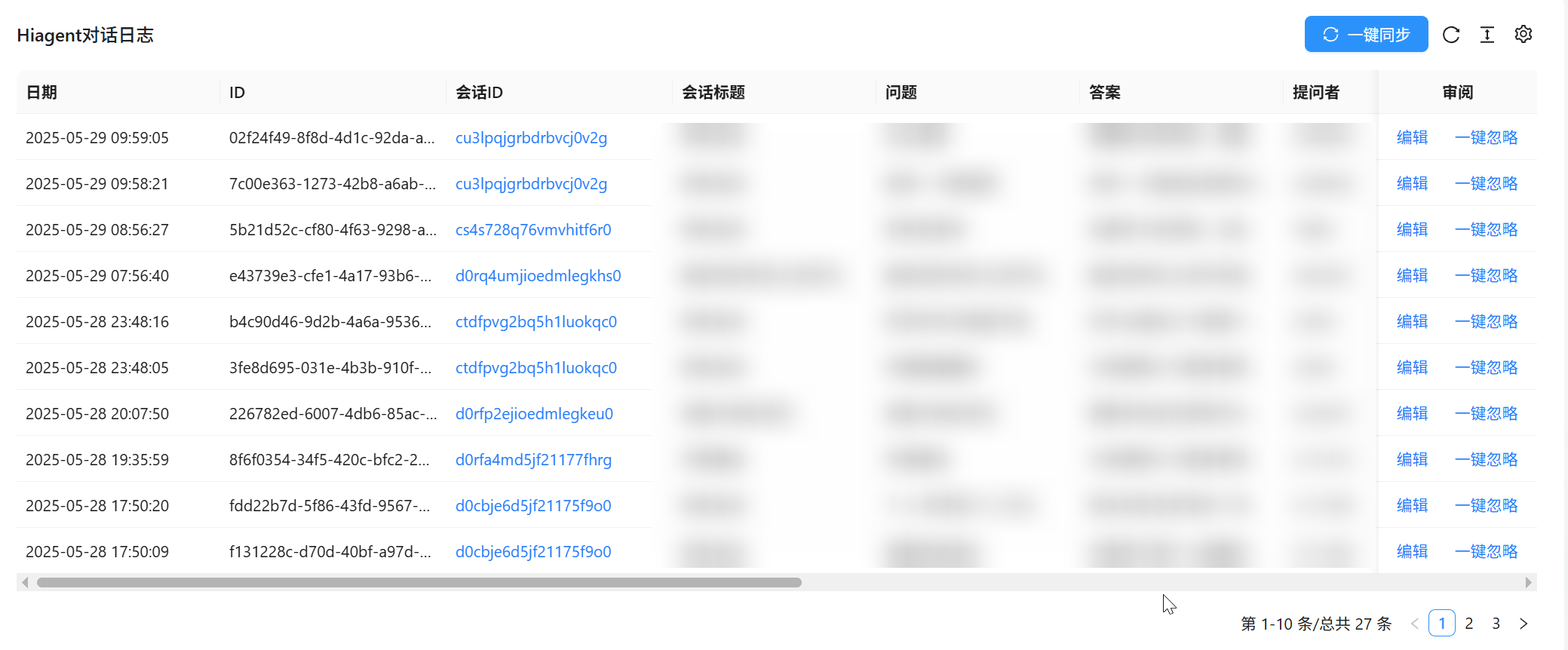
下图是我的一个后端管理系统的例子
个人觉得会话标题不太有用,又占用了我宝贵的视野。
除了期待后端系统自己变好以外,用油猴改造后端到自己想要的样子更直接一些。改造好了还能展示给管理系统维护方,直观的看到自己的想法。
油猴代码
用大模型写的,本身不具备啥参考价值。
比较需要关注的字段主要是match的用法,这个代表了作用域。
1
2
3
4
5
6
7
8
9
10
11
12
13
14
15
16
17
18
19
20
21
22
23
24
25
26
27
28
29
30
31
32
33
34
35
36
37
38
39
40
41
42
43
44
45
46
47
48
49
50
51
52
53
| // ==UserScript==
// @name 隐藏“会话标题”列(同济后台)
// @namespace http://tampermonkey.net/
// @version 1.2
// @description 在 https://tjtx.tongji.edu.cn/tjtx/log 页面隐藏表格中的“会话标题”列
// @match https://tjtx.tongji.edu.cn/tjtx/*
// @grant none
// ==/UserScript==
(function () {
'use strict';
let targetColumnIndex = -1;
function hideColumnByHeaderText(headerText) {
const tables = document.querySelectorAll('.ant-table table');
tables.forEach(table => {
const headerCells = table.querySelectorAll('thead th');
headerCells.forEach((th, index) => {
if (th.textContent.trim() === headerText) {
targetColumnIndex = index;
th.style.display = 'none';
}
});
if (targetColumnIndex !== -1) {
const rows = table.querySelectorAll('tbody tr');
rows.forEach(row => {
const cells = row.querySelectorAll('td');
if (cells.length > targetColumnIndex) {
cells[targetColumnIndex].style.display = 'none';
}
});
}
});
}
function observeTableChanges() {
const observer = new MutationObserver(() => {
hideColumnByHeaderText('会话标题');
});
observer.observe(document.body, {
childList: true,
subtree: true
});
// 初始执行一次
hideColumnByHeaderText('会话标题');
}
window.addEventListener('load', observeTableChanges);
})();
|
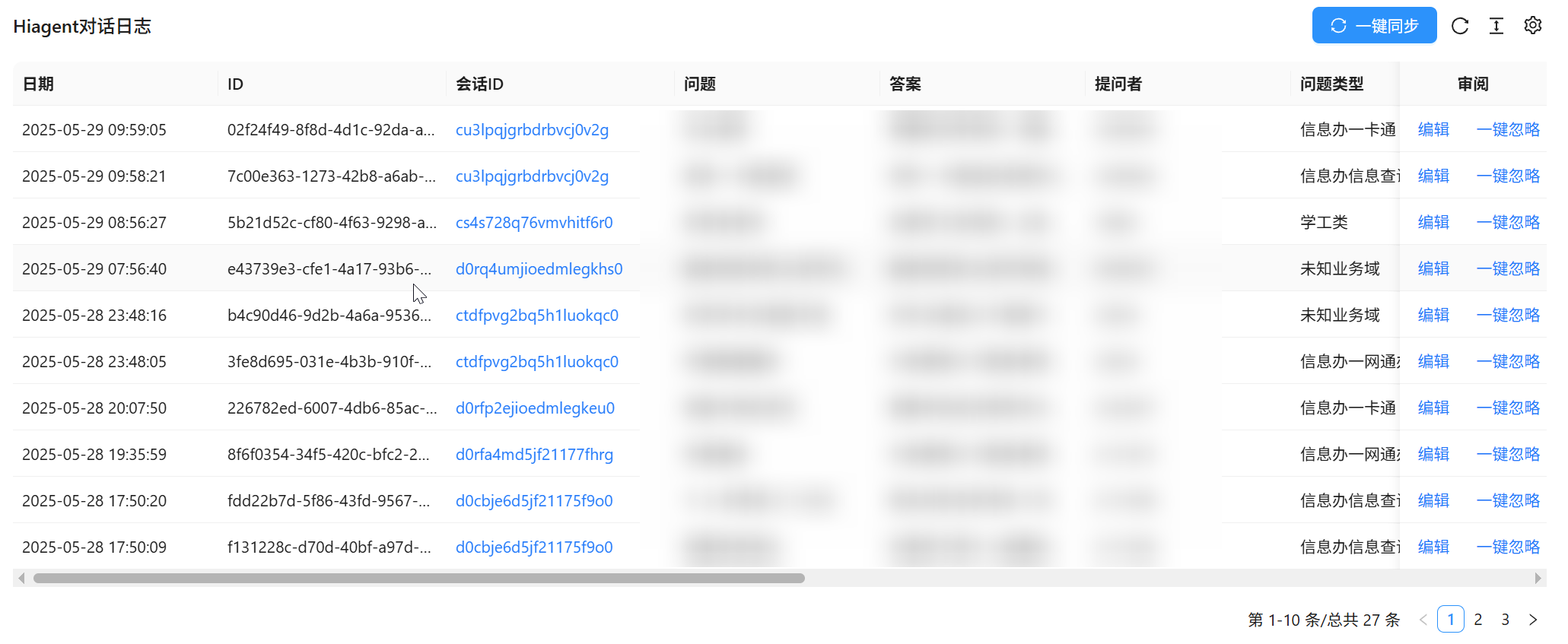
效果展示
可以看到下图中会话标题不见了